There are many posts out there on how to start a blog and they all have very helpful advice. I want to add my own suggestions with the added aspect of blogging with a vision impairment. I hope that these tips on how to start a blog as a beginner will be helpful.
Why start a blog
There are many good reasons to start a blog but before you start this journey you must have your own specific reason. Running a blog takes a lot of work and time especially if you are looking to turn it into self-employment. Blogging is still something that takes effort even if it is only a hobby.
One thing I will say is that you have to make sure that you really love to write and put together posts because you will be doing it as a hobby for a while even if you want to eventually make money from it.
Plan out your blog
Do not rush the process of starting a blog. It is important to pause and think of the long run because this is something that you will hopefully keep for many years.
It is important to have a clear purpose for what you want to share and you have to be truly passionate about the subjects as you will be writing a lot on them. You can always expand and add categories but you should stick to some main themes. For example, the main themes I post on are faith, disability and lifestyle topics. I have also added book reviews so you can grow as you go.
Find a blogging platform and hosting service
When it comes to choosing a blogging platform I suggest WordPress. In my opinion it is very easy to learn and use and it is accessible to screen readers. I am visually impaired and use the NVDA screen reader and I am able to use the WordPress platform to create and edit posts. The WordPress Jetpack app is also very accessible on phones.
There are many website hosting services to choose from. I have chosen to go with the hosting provided by WordPress but there are other options out there that allow you to easily connect WordPress to the hosting service. I have used Bluehost before and I can say it is easy to use and the interface is accessible over all. I recommend that you research this yourself and choose the option that fits you best.
You will also need to select a domain for your blog, this is your website address that is typed in the browser to reach your site. I recommend that you make a firm decision on this and stick with this choice. I made the mistake of changing my domain after a few years and it severely impacted the traffic my website got from Google search so I advise you to learn from my mistake.
Design your blog layout and post layout
When you are choosing the layout for your blog such as the theme it is important to keep accessibility in mind.
- Choose text that is easy to read
- Choose a site theme with a simple layout including menus that are easy to navigate
- The colors should have a high contrast
- Make sure to have an About page and a Privacy Policy page
When creating a blog post
- Use heading levels to separate sections of the post. The post title must always be at heading level 1 and then use heading level 2 for the next sections and heading level 3 to 6 for sections within the main sections.
- If the post does not have main sections use short paragraphs
- Use short blocks of text throughout the entire post to help readability
- Use alt text for every image you include. Alt text is read by screen readers but is not visible on the page
Plan your posting schedule
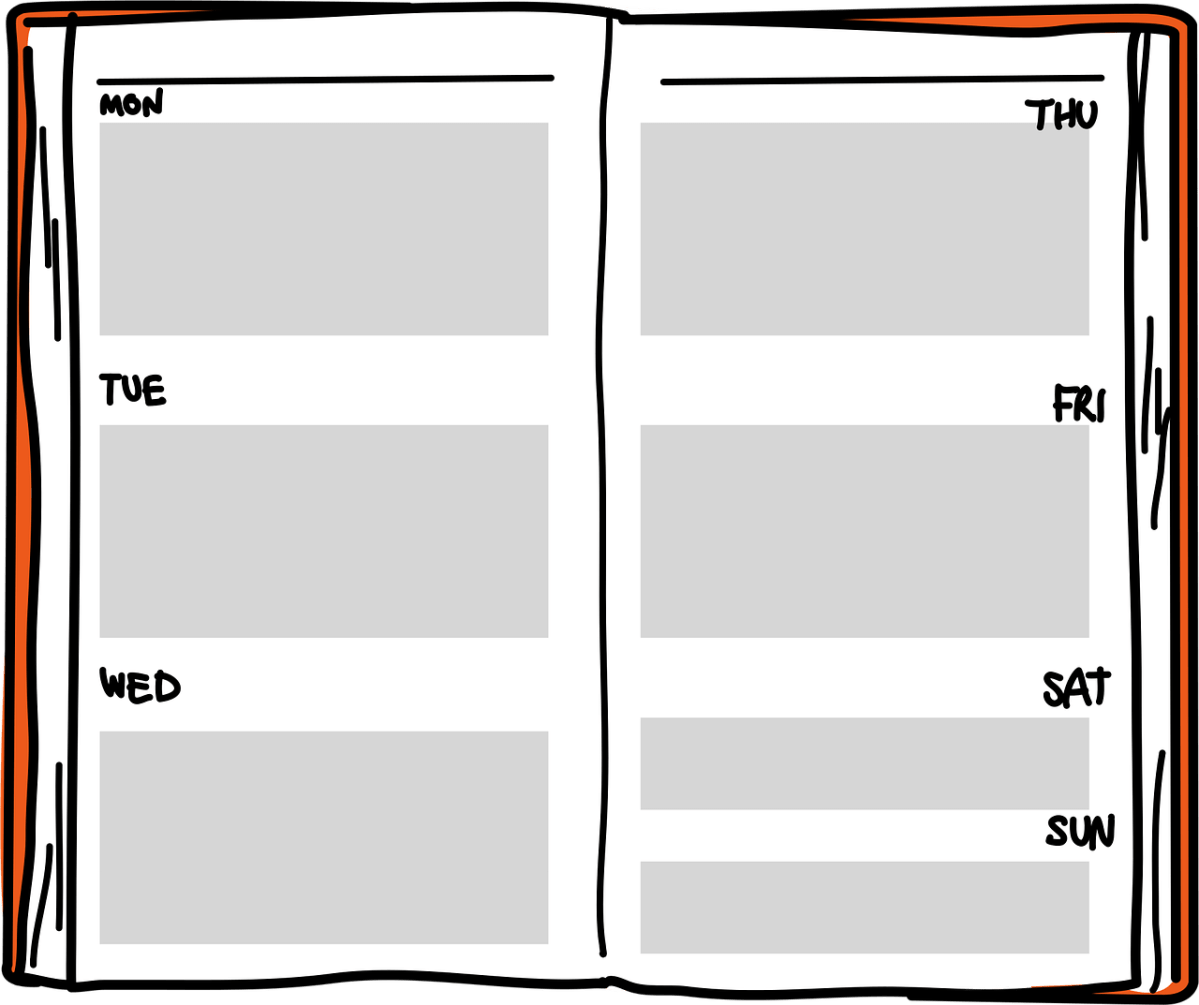
When you have a blog it is important to try to post as consistently as possible. This helps to keep your readers engaged. Here are some tips that I have found helpful.
- Create a content calendar for each month. Put the publish date, post title, category and any notes
- If you post 3 times a week try to post Mondays, Wednesdays and Fridays to have breaks in between
- Keep a list of possible post ideas to help with filling in your content calendar
How to grow blog traffic
I am not an expert regarding blog traffic as I am still improving in this area but here are a few things I can point to.
- Use SEO (search engine optimization). This is when you use keywords throughout your post that match what readers would be searching for according to the topic of your post. Hubspot Academy has a helpful course on this but I usually put a phrase that captures the topic of my blog post into Google search and see what appears in the search box suggested list and I use some of those phrases in my post.
- Share your blog on social media. I share it on X, Pinterest, Mastodon, Blue Sky, Instagram and Threads.
Helpful tools for running a blog
Here are some tools that I use when creating blog posts.
- I use WordPress as my blogging platform or content management system
- I use WordPress to host my site because it is easier for me
- I use AI to create blog graphics. I also use Canva. Canva is accessible over all even with screen readers but I am able to use magnification with my limited eyesight so I use a combination of both to create graphics on Canva
- I use sites such as Unsplash, Pexels and Pixabay to get free photos to use on my blog
These tools are only my personal suggestions and this post is not sponsored by any tools mentioned throughout the post.
Some extra thoughts
I hope that this encourages you to start your own blog. I can say it really is a fun adventure and you will learn a lot. Do you have a blog? Leave your blog link in the comments below.

 A Flower in the Field of Life